CDC setup in Mysql
MySQL CDC setup on Linux
Section titled “MySQL CDC setup on Linux”- Create a user for sprinkle, choosing your own password
CREATE USER sprinkle@'%' IDENTIFIED WITH mysql_native_password BY 'password';
GRANT SELECT, REPLICATION CLIENT, REPLICATION SLAVE ON *.* TO sprinkle@'%';- Check if following lines are there in the mysql configuration file (my.cnf), otherwise add them:
[mysqld]
binlog-format=ROW
log-bin=mysql-binlog
server-id=67835629
expire-logs-days=7
log-slave-updates=1- binlog-format must be ROW
- No need to change log-bin entry if it is already there
- No need to change if Server-id is already there. Otherwise choose any value between 1000 and 4294967295
- expire-logs we recommend should be 7 days.
- Restart Mysql server for new config to take effect.
- (Optional) After restart you can check the variables using : show variables like ‘%binlog_format%’;
AWS MySQL CDC setup
Section titled “AWS MySQL CDC setup”Below are the configuration steps to enable binlog in AWS mysql.
1. Create parameter group
Section titled “1. Create parameter group”If you have a default parameter group, you must create a new parameter group. Alternatively, you can copy your existing cluster parameter group.
Check the parameter group for mysql instance under configuration tab
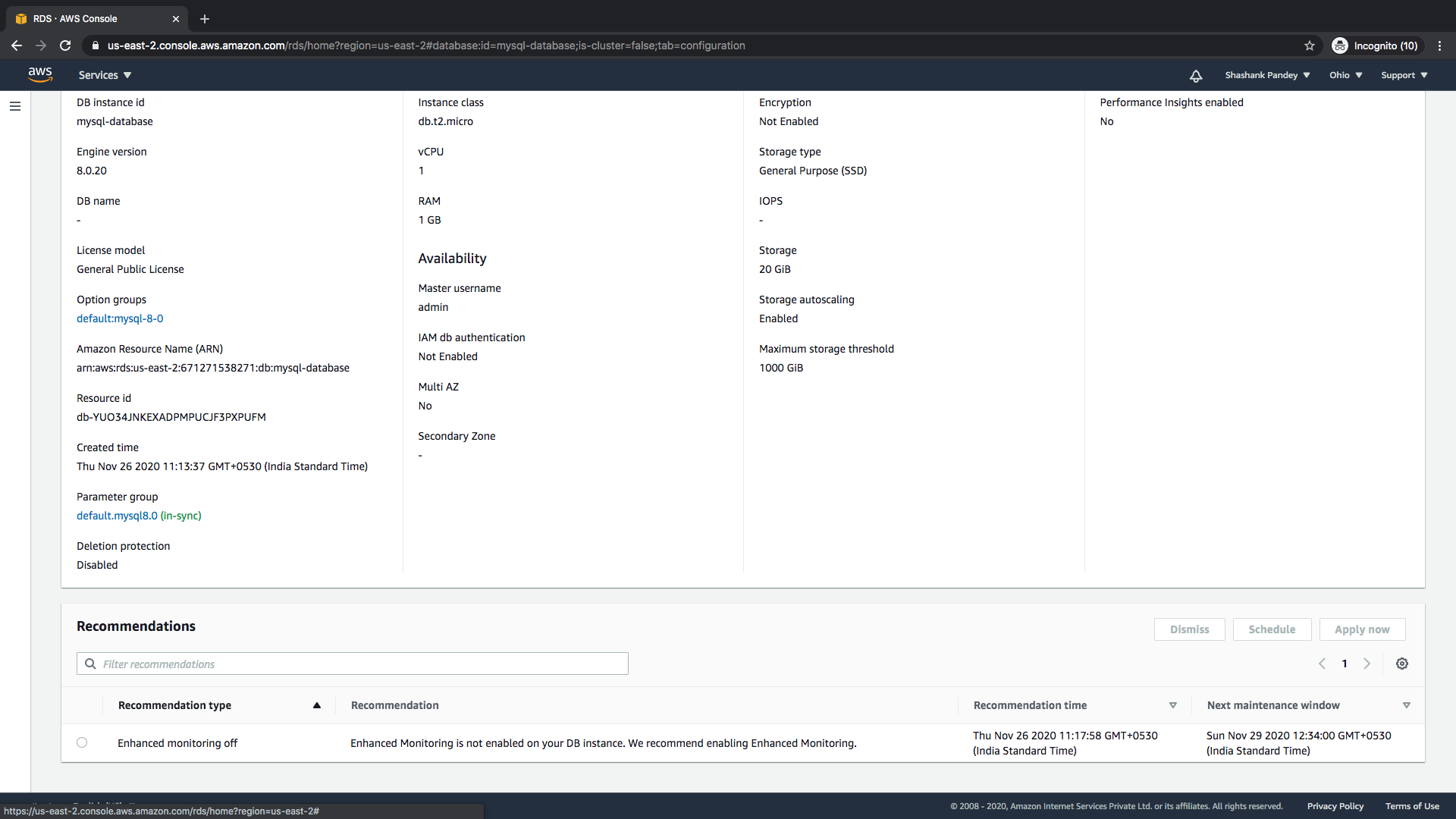
Select parameter group family should be equal to instance of mysql. Give name and description.
Now after creating a new parameter group change two parameters.
- Binlog_format to ROW
- Binlog_row_image to full
2. Use the main instance or create new Read replica for mysql instance Creating a new read replica instance.
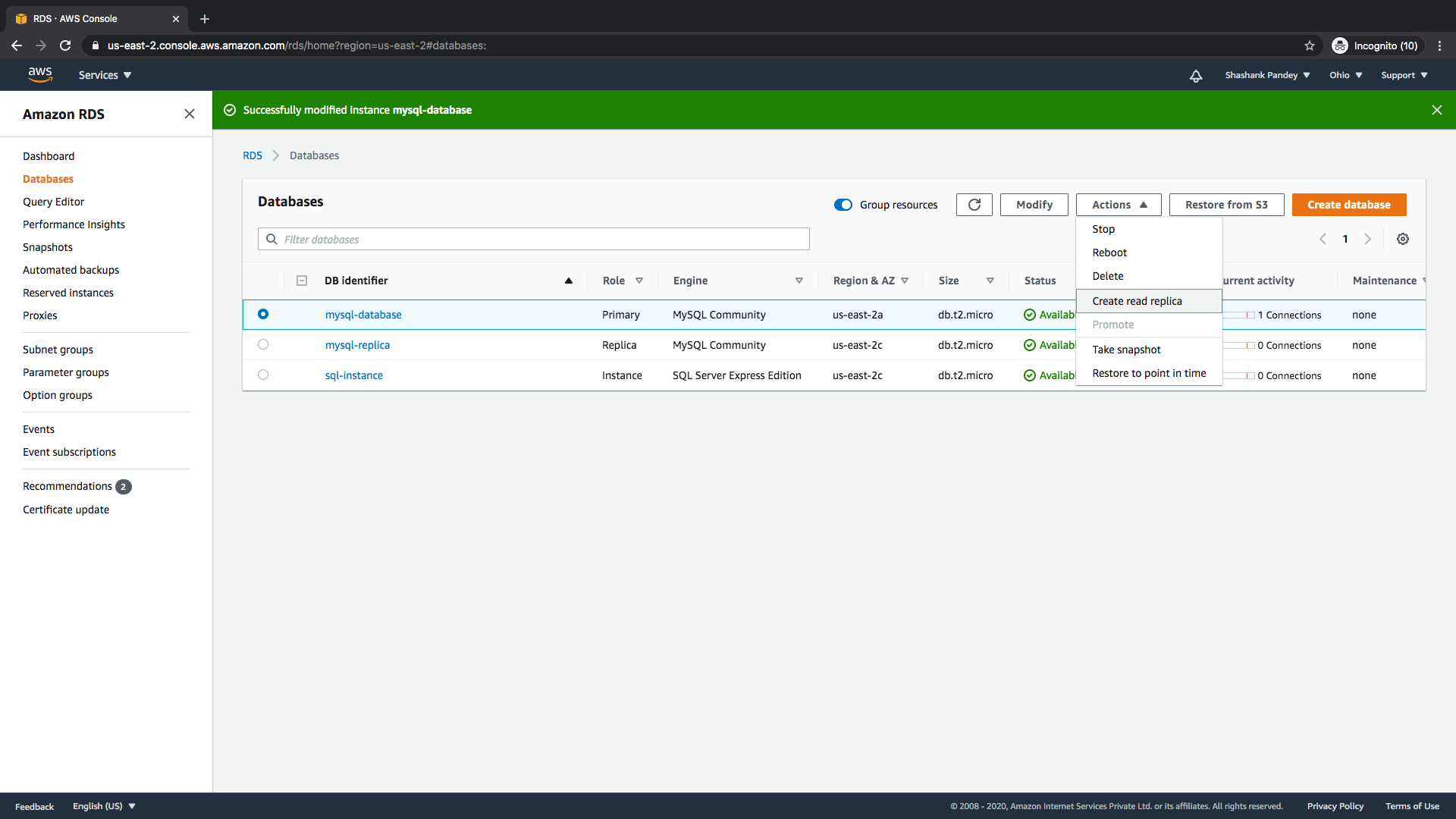
Section titled “2. Use the main instance or create new Read replica for mysql instance Creating a new read replica instance.”A. Select the instance and go to Actions.Now select create read replica.
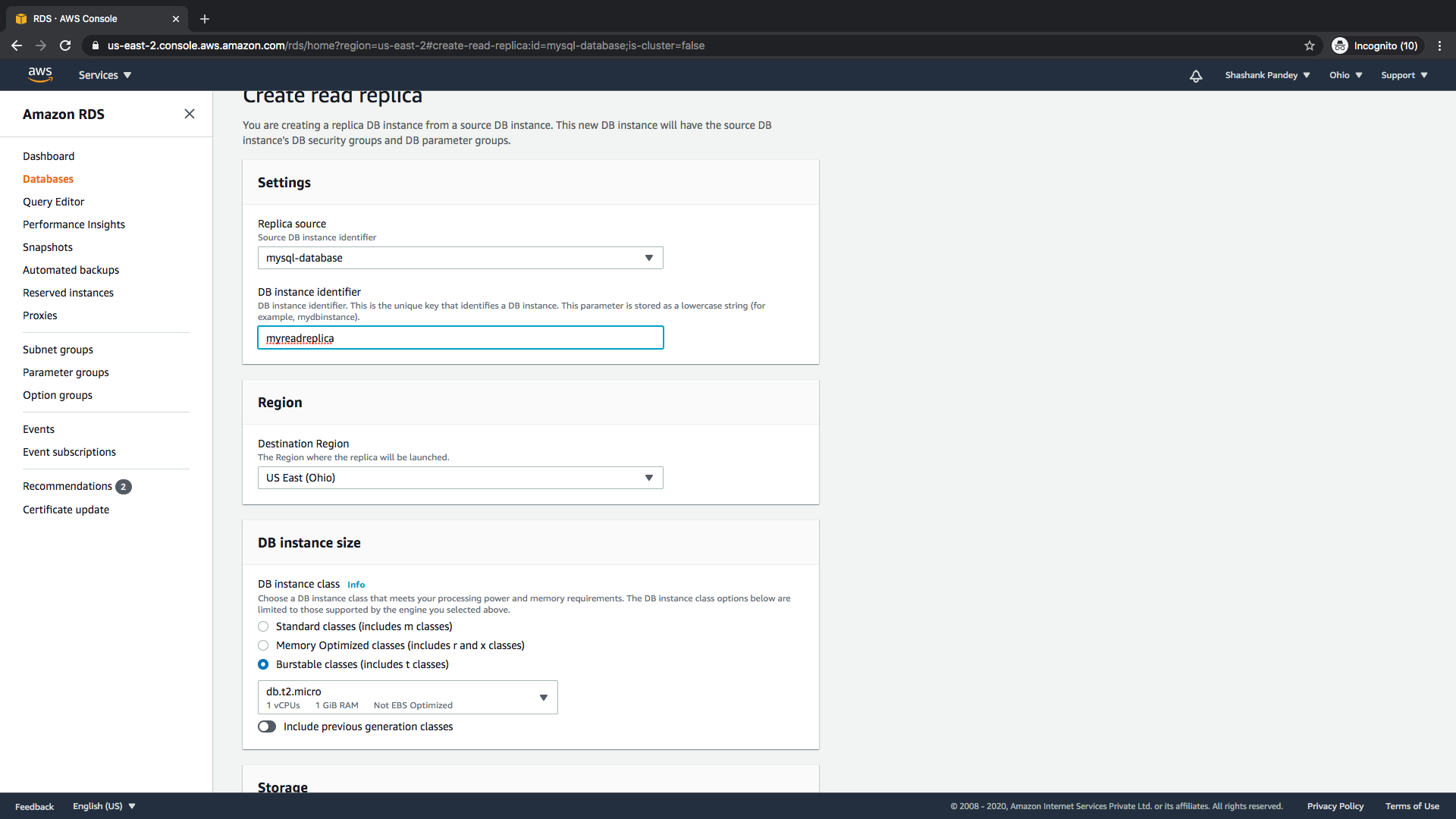
B. Give the name for your replica and Replica source should be mysql.
C. Public accessibility should be yes.
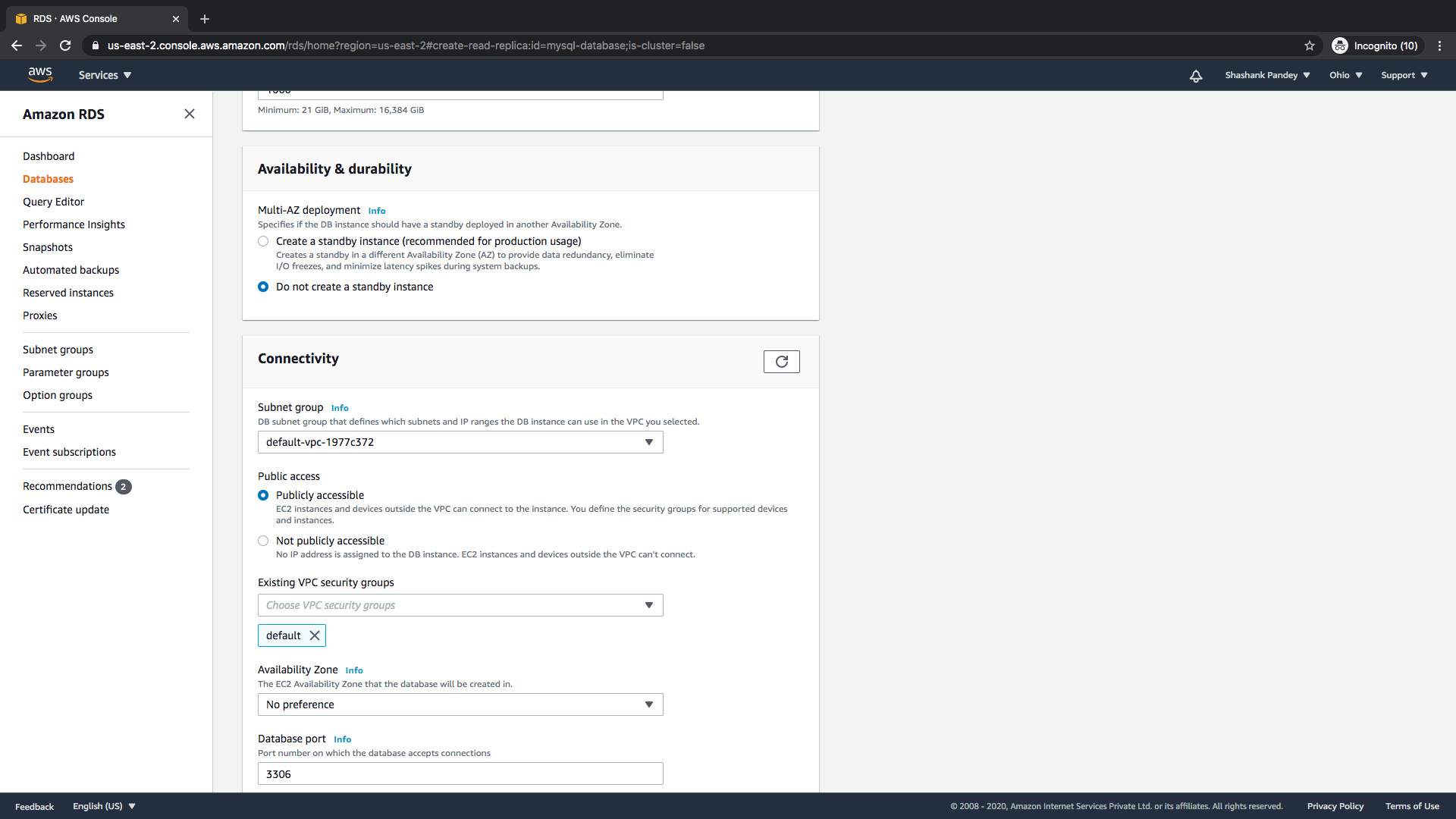
D. Backup retention period should be greater than 1.
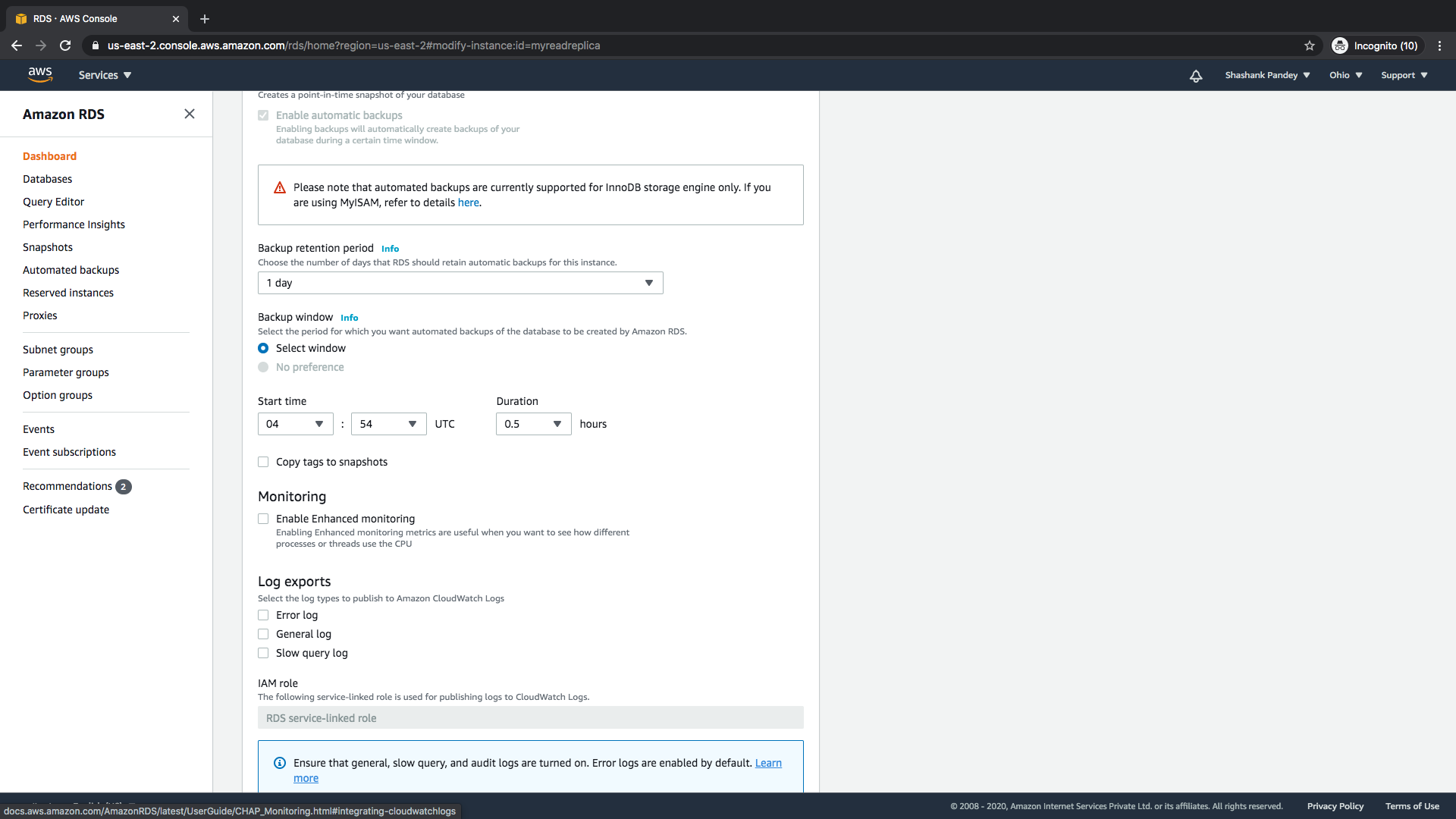
E. DB parameter group should be the newly created parameter group.
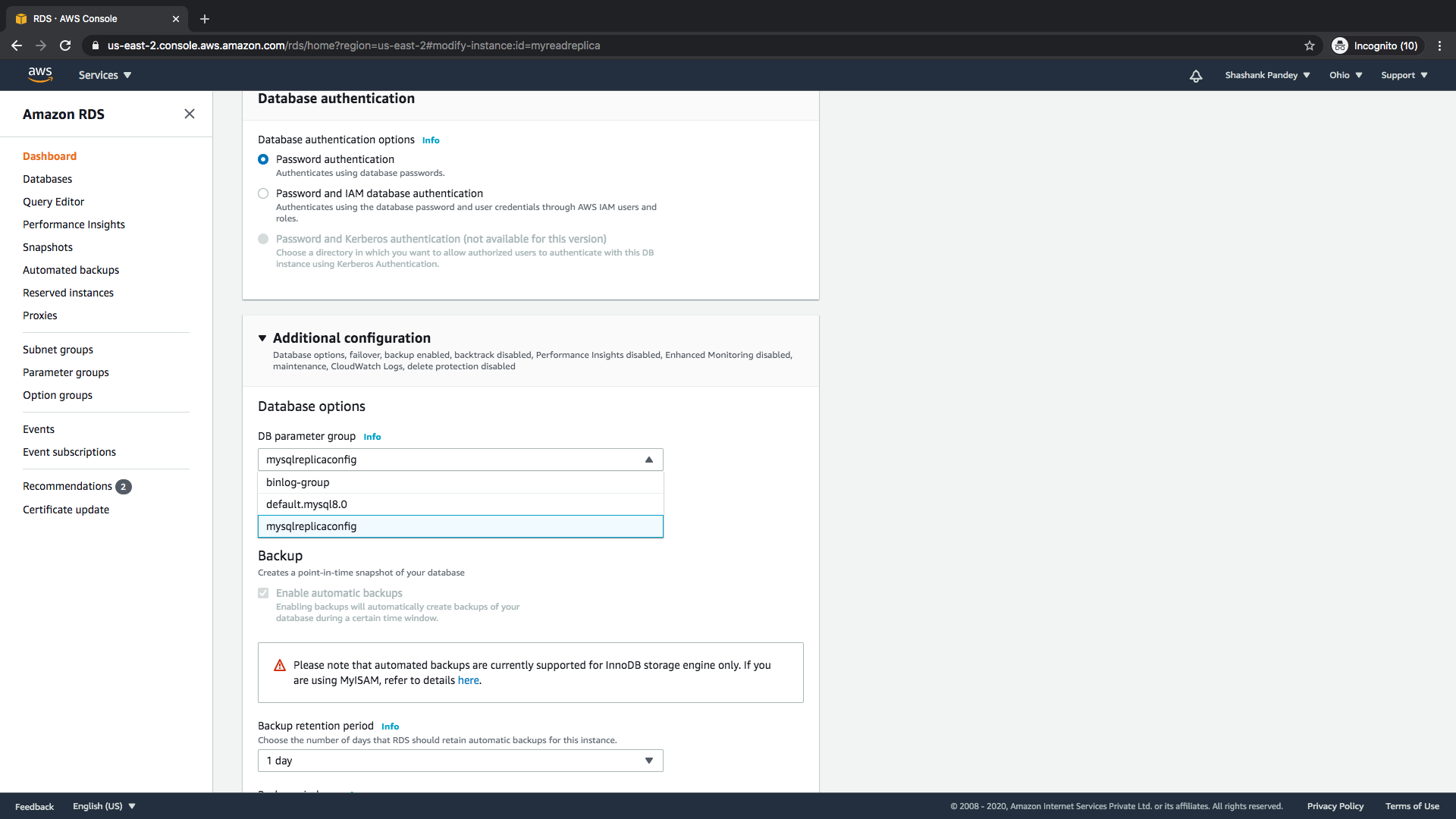
3. Modify and use the instance
Section titled “3. Modify and use the instance”After modifying the instance reboot DB.
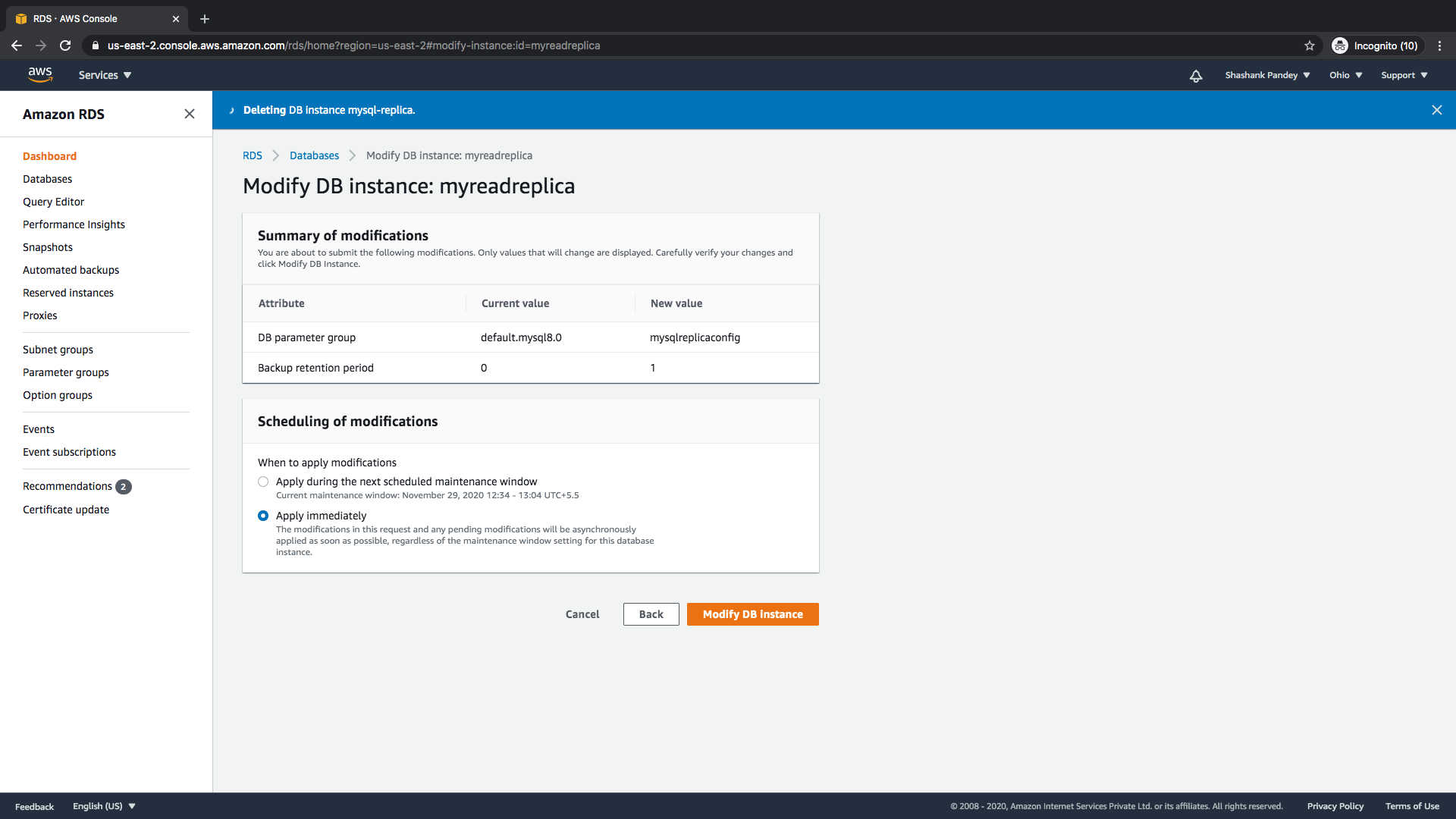
4. Setup binlog retention
Section titled “4. Setup binlog retention”To set a longer binlog retention period, run the following command on the connected database.
CALL mysql.rds_set_configuration('binlog retention hours', 168);5. Create read user
Section titled “5. Create read user”CREATE USER sprinkle_user@'%' IDENTIFIED WITH mysql_native_password BY 'password';
GRANT SELECT, REPLICATION CLIENT, REPLICATION SLAVE ON *.* TO sprinkle_user@'%';